Your Passwords.
Your Control.
Zero Compromise.
The most secure, offline password manager. Military-grade AES-256-GCM encryption. No servers. No subscriptions. 100% private.
Everything You Need. Nothing You Don't.
VaultLock combines powerful security with intuitive design, giving you complete control over your digital identity.
Security First
AES-256-GCM Encryption
Military-grade encryption protects all your sensitive data
PBKDF2-SHA256 Key Derivation
10,000 iterations for maximum security against brute force
Biometric Authentication
Face ID & Fingerprint support for quick, secure access
100% Offline
Your data never leaves your device. No internet required
Zero Knowledge
We never see your passwords. Even we can't access your data
Auto-Lock
Automatic vault protection when your device is idle
Core Features
Favorites
Quick access to your most-used passwords
Smart Search
Find any password instantly with powerful search
Password Strength Meter
Visual security feedback for all your passwords
Password Generator
Create strong, unique passwords with one tap
Categories
Organize by Social, Finance, Work, Shopping & more
Custom Icons
Personalize your entries with beautiful icons
Advanced Features
Security Audit
Identify weak, reused, and old passwords
Encrypted Export
Secure backup with password protection
Import Support
Migrate from other password managers easily
Dark/Light Themes
Beautiful UI for any preference
Material Design 3
Modern, intuitive interface design
More Coming Soon
Cloud sync, browser extension & more in future updates
Your Data is Fort Knox Secure
Military-grade encryption ensures your passwords are protected by the same standards used by governments and financial institutions.
How Your Data is Protected
VaultLock vs Cloud-Based Managers
See why offline-first is the future of password security
| Feature | VaultLock | Cloud Managers |
|---|---|---|
| Works Offline | ||
| No Account Required | ||
| Zero Knowledge | Partial | |
| Data Stays Local | ||
| No Subscription | ||
| Open Source | Partial | |
| AES-256 Encryption | ||
| Biometric Auth |
Simple. Secure. Setup.
Get up and running in just 5 easy steps. No account creation, no cloud sync, no complicated setup.
Download & Install
Get VaultLock from our website or app stores. The app is under 52MB and installs in seconds.
Create Master Password
Choose a strong master password. This is your only key to the vault - make it memorable but secure.
Enable Biometrics
Optionally enable Face ID or Fingerprint for quick, secure access without typing your password.
Add Your Passwords
Store all your credentials securely. Use our password generator for unbreakable new passwords.
Stay Protected
Auto-lock and encrypted storage keep you safe. Run security audits to find weak passwords.
See VaultLock in Action
A beautifully crafted Material Design 3 interface that's both stunning and intuitive.
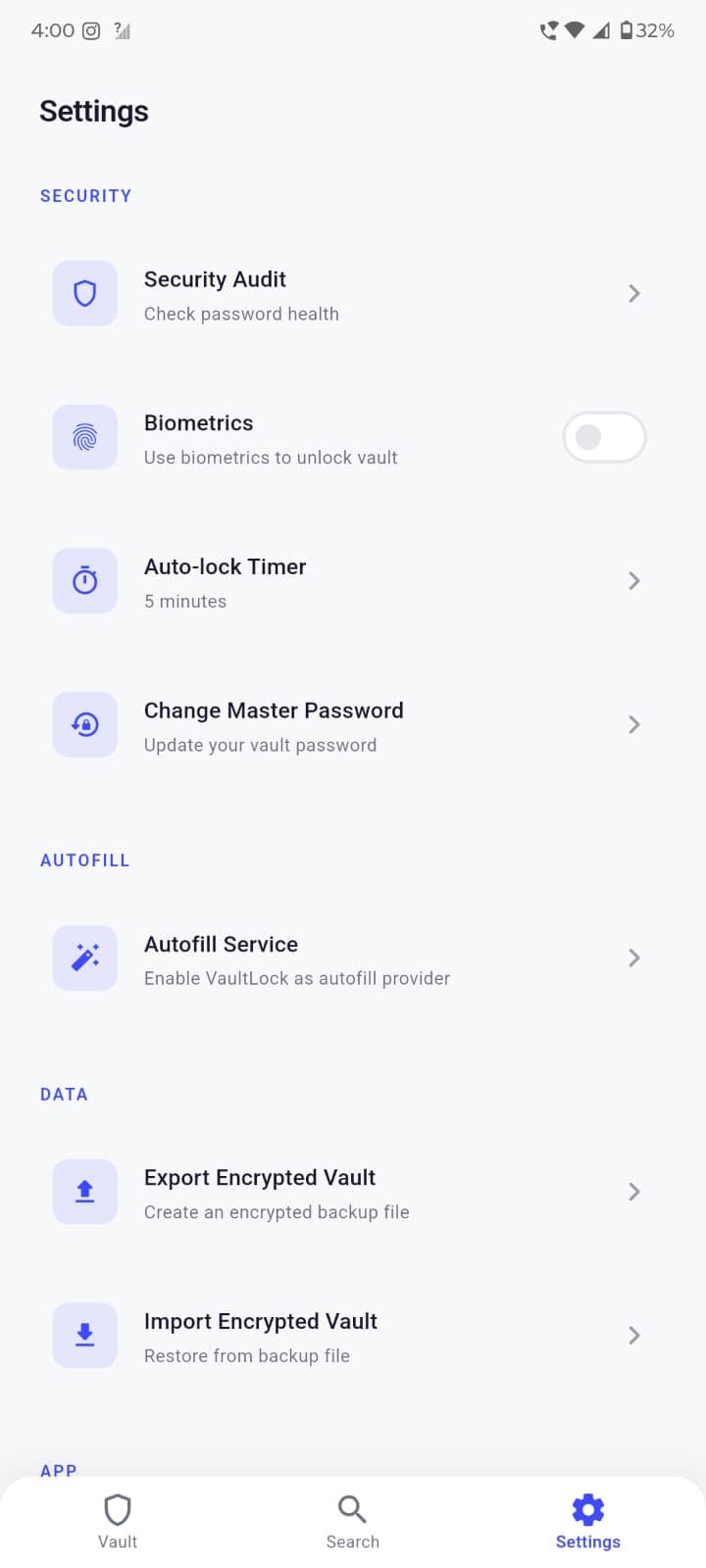
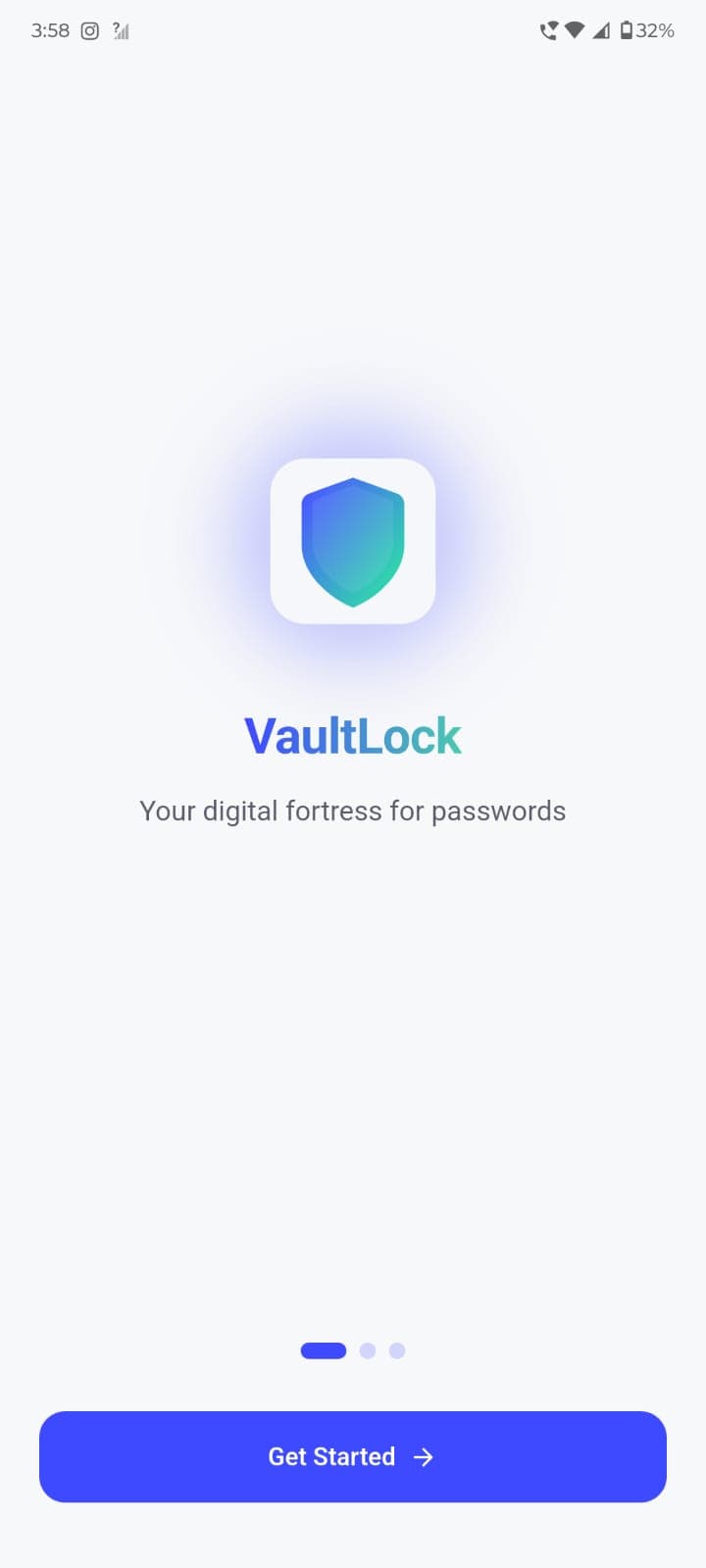
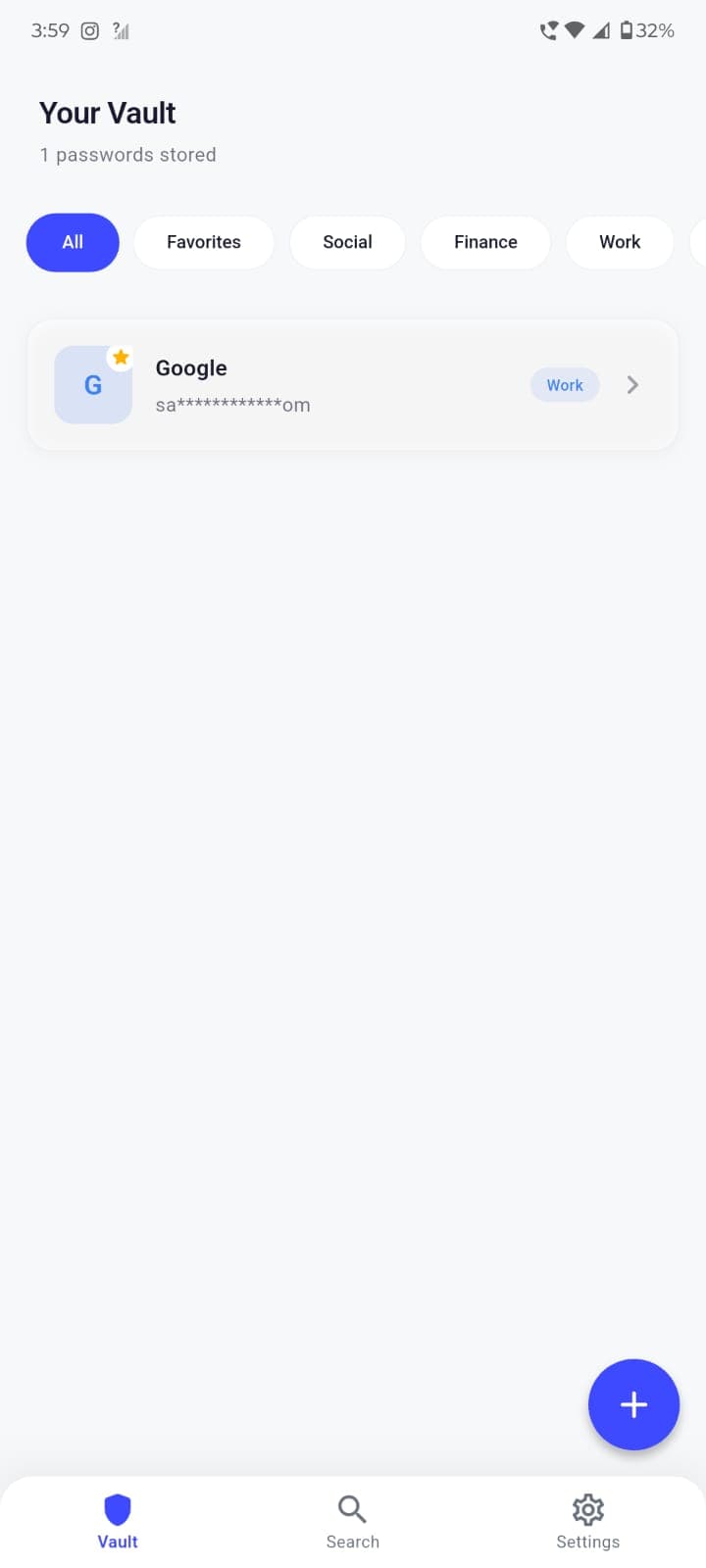
Onboarding
Beautiful 3-page welcome flow
Built with Modern Tech
VaultLock is built on a solid foundation of proven technologies, ensuring reliability, security, and performance.
Framework
Storage
Security
Architecture
// VaultLock Encryption Service
class EncryptionService {
  static const int keyIterations = 10000;
  static const int keyLength = 32; // 256 bits

  // Derive encryption key using PBKDF2-SHA256
  Future<Uint8List> deriveKey(String password, Uint8List salt) async {
    final pbkdf2 = PBKDF2KeyDerivator(HMac(SHA256Digest(), 64));
    pbkdf2.init(Pbkdf2Parameters(salt, keyIterations, keyLength));
    return pbkdf2.process(utf8.encode(password));
  }

  // Encrypt data using AES-256-GCM
  Future<EncryptedData> encrypt(String plaintext, Uint8List key) async {
    final iv = generateSecureRandom(12);
    final cipher = GCMBlockCipher(AESEngine())
      ..init(true, AEADParameters(KeyParameter(key), 128, iv, Uint8List(0)));

    final encrypted = cipher.process(utf8.encode(plaintext));
    return EncryptedData(iv: iv, ciphertext: encrypted);
  }
}Download VaultLock
Start securing your passwords today. Free, open source, and privacy-focused. No account required, no subscription ever.
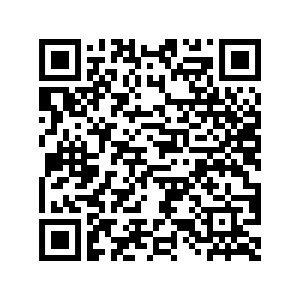
Scan to download on your phone
Frequently Asked Questions
Everything you need to know about VaultLock. Can't find what you're looking for? Check our GitHub discussions.
Yes, 100% free and open source. No subscriptions, no premium tiers, no hidden costs. VaultLock is built by the community, for the community.
Still have questions?
Ask on GitHub Discussions →Built with ❤️ by the Community
VaultLock is 100% open source under the MIT license. View the code, report issues, suggest features, or contribute to make password security accessible to everyone.